 Digital Drawing
Draw & paint on iPhone, iPad and Mac
Draw it. Paint it. Make it move.
A drawing studio and a frame-by-frame animator in one app. Brushes that respond to Apple Pencil pressure and tilt, layers, onion skin and motion paths.


01Brushes
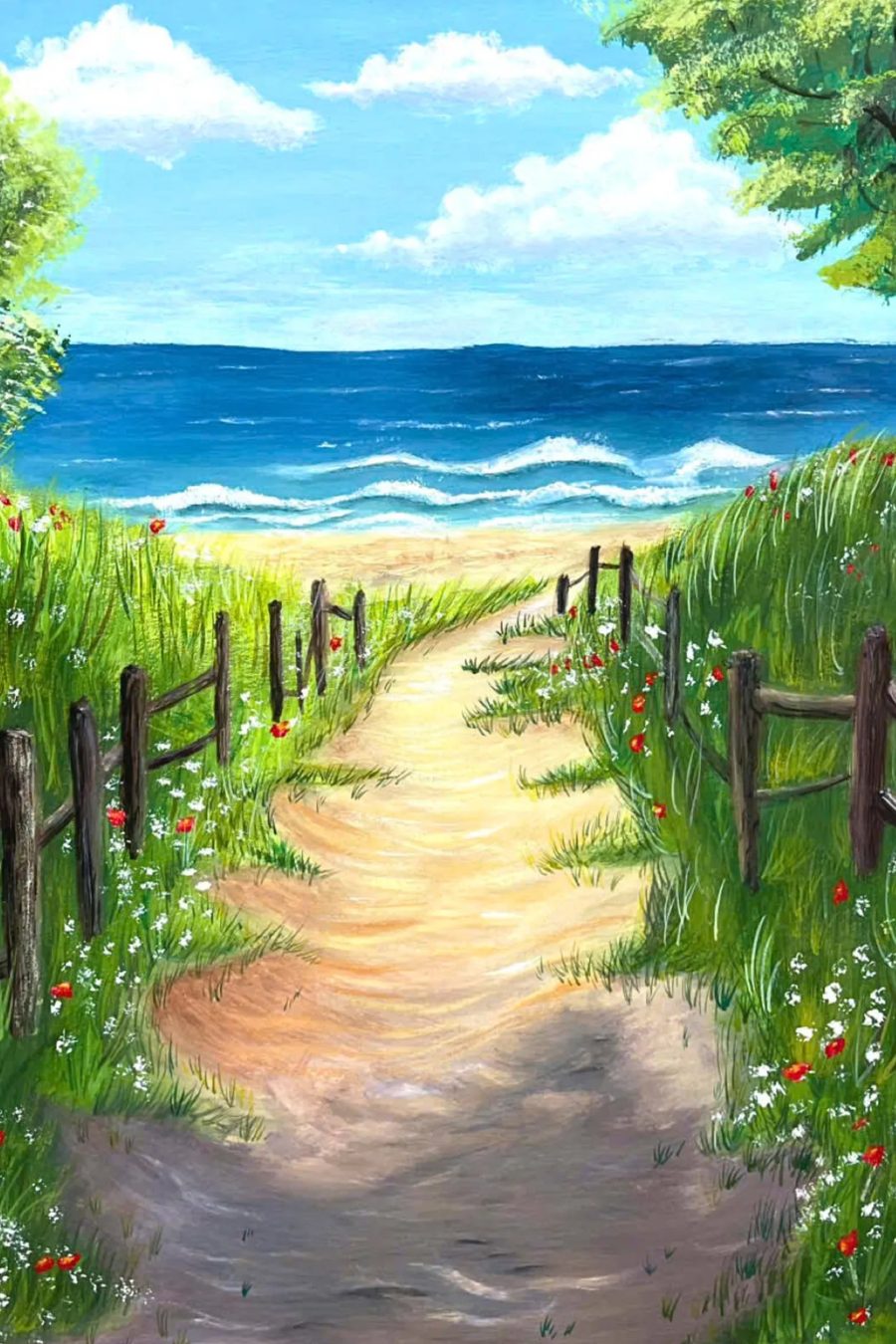
Pencil, ink, watercolor, oil. They feel like the real thing.
Every brush responds to pressure and tilt. Paint bleeds, pencil grain catches the paper, smudge pulls real color. You even hear the pencil on paper while you draw.
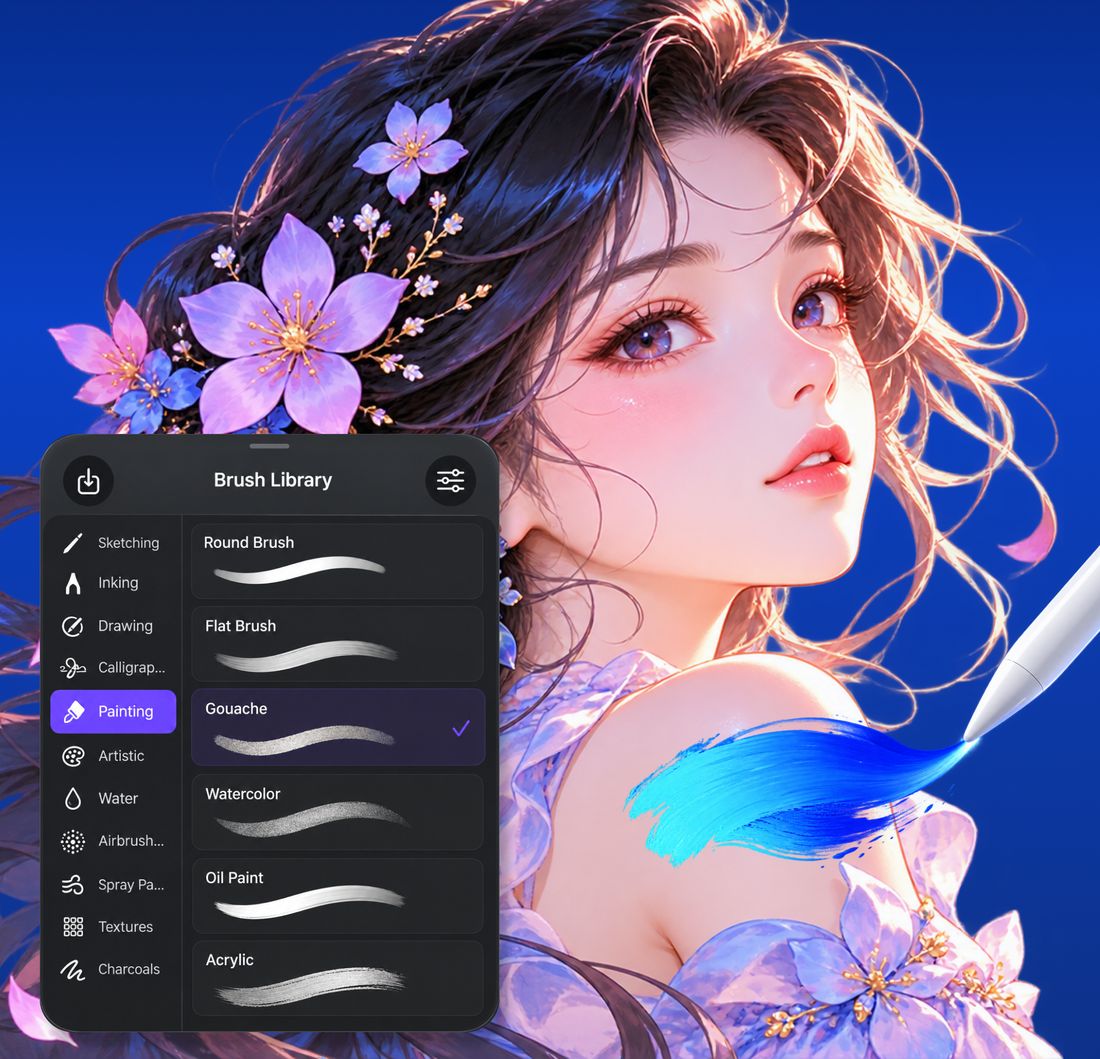
- 163 brushes for sketching, inking, painting, water and airbrush
- Layers, blend modes, masks, selection and fill with gap closing
- Brush Studio to make your own, or import brush sets
02Animation
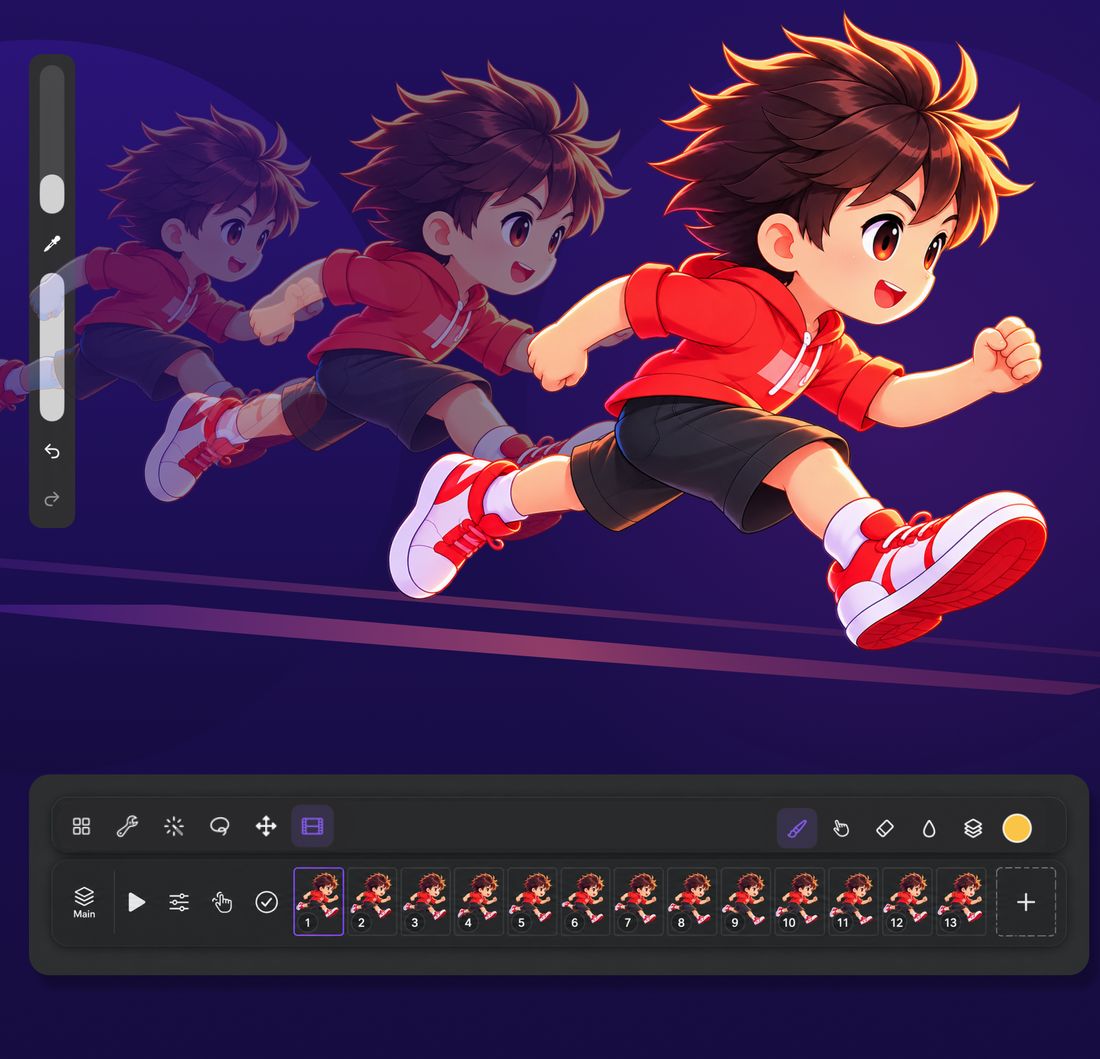
Flip frames with onion skin. Every pose lands in place.
Animate frame by frame right where you draw. Earlier and later frames show through, so the next pose is easy to place.
- Onion skin, timeline, frame holds, playback up to 60 fps
- Lip sync: mouth shapes placed from your audio
- Export GIF, MP4, MOV with transparency, or a PNG sequence
03Motion Path
Draw a path. Watch it go.
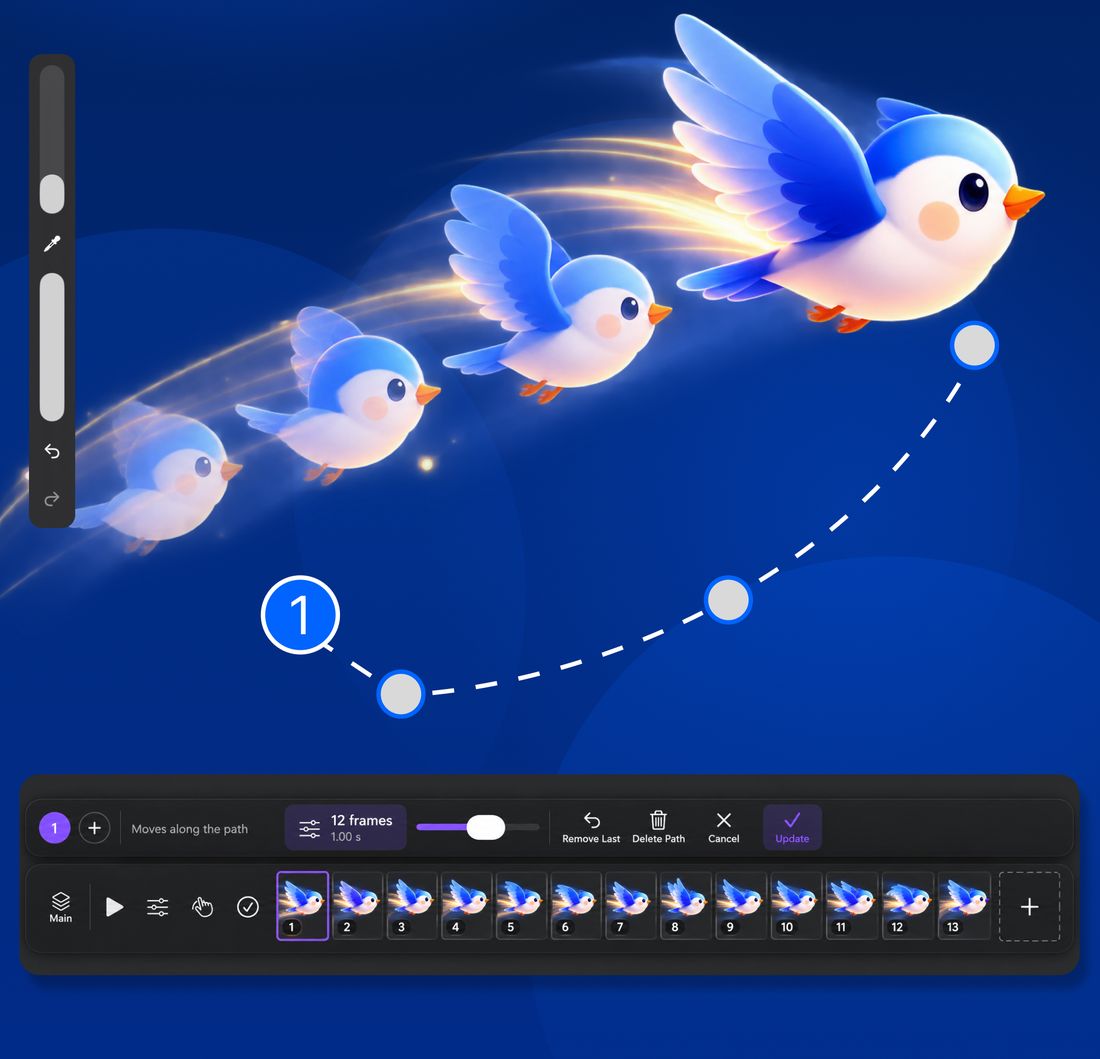
Circle any part of your drawing, sketch the route it should travel, and the app makes the frames for you. A bird flies, a leaf drifts, a car races across the page. No keyframes, no curve editor.
- Lasso a part and drag a path with your finger or Apple Pencil
- Several paths at once, each with its own delay
- Smoothing turns a shaky hand into a clean motion
04And more
The rest of the studio, for when you need it.
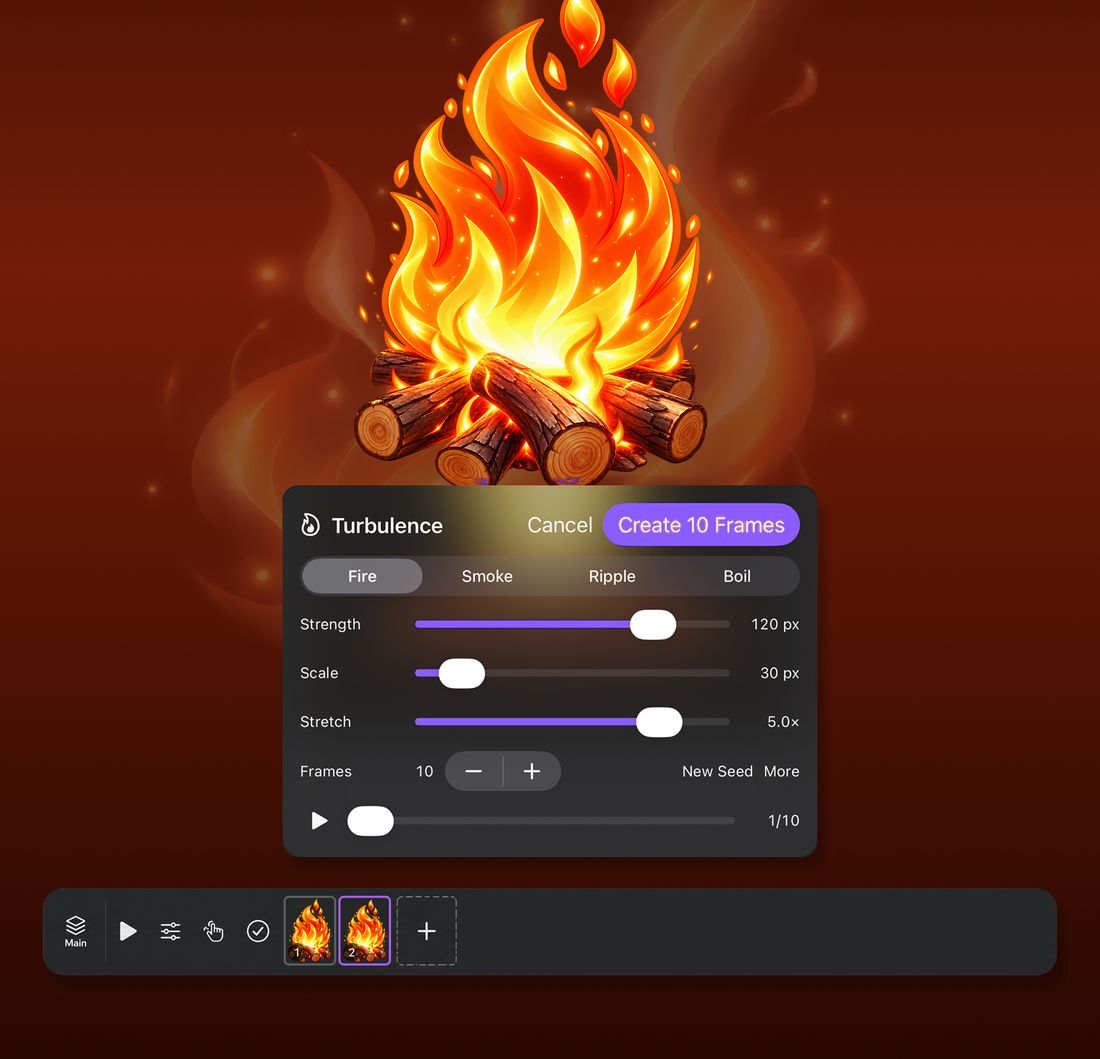
Auto animation
Fire, smoke and water from one drawing: Turbulence makes the frames for you.
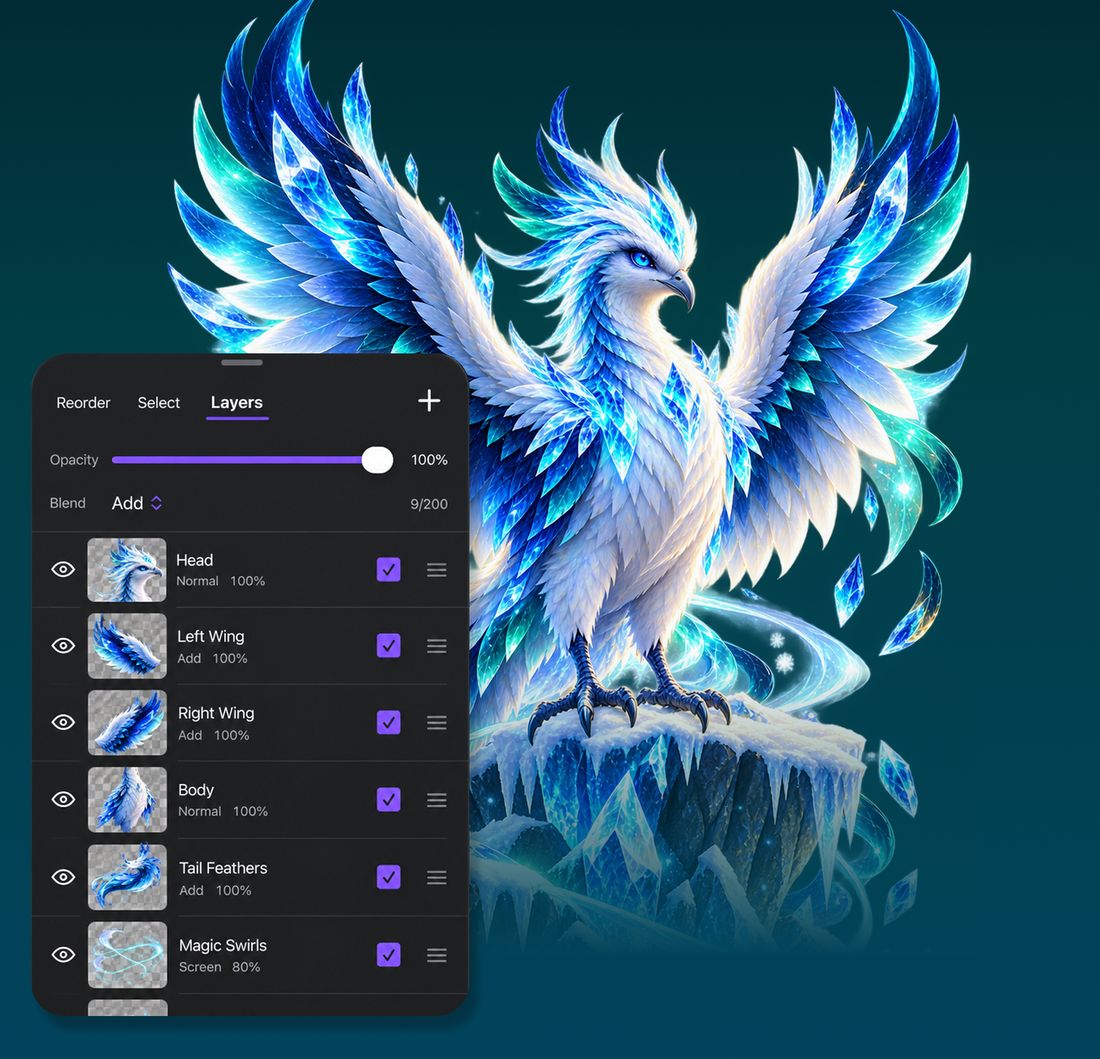
Layers and blend modes
Masks, clipping, alpha lock, and blend modes like Add and Screen.
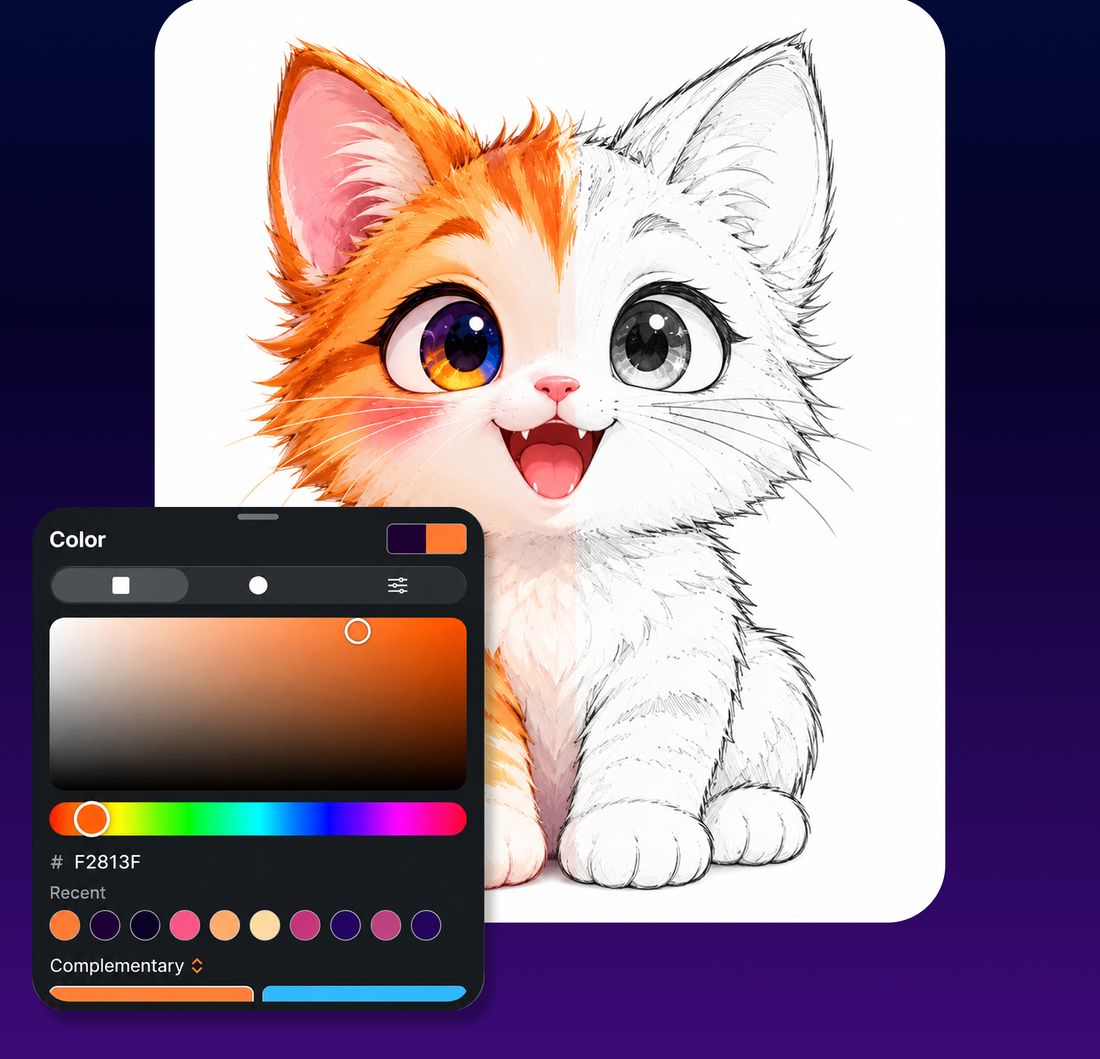
Color
Color wheel, sliders, harmonies and palettes you can save.
Body Motion New
Pick a video of someone moving. The app finds their pose in every frame and moves your character the same way. Pose detection runs on your device; videos never leave it.
Start on iPhone, finish on iPad or Mac
Your artwork syncs through iCloud Drive. One Pro subscription unlocks every device signed in to the same account.
Export anywhere
PNG, JPG, GIF, MP4, MOV and layered PSD, so you can keep working in other apps.
Digital Drawing Pro
Unlock everything.
The free version lets you create one project of each type. Pro removes every limit, on every device.
Questions
How do I get Pro in the app after paying here?
Right after payment you get an unlock link: tap it on the iPhone or iPad where Digital Drawing is installed, or scan its QR code from your computer. The same link is in your purchase email. No account or sign-in needed. The link works once, for 60 minutes; an expired link sends a fresh one to your email.
Can I still buy inside the app?
Yes. You can also subscribe inside the app through the App Store. Both give you the same Pro.
How do I cancel?
Bought here: use the link in your Paddle receipt email, or write to [email protected]. Bought in the app: Settings › your name › Subscriptions, at least 24 hours before renewal. You keep Pro until the end of the period you paid for.
Can I get a refund?
Web purchases: full refund within 14 days, see our Refund Policy. App Store purchases: request it from Apple at reportaproblem.apple.com.
What can I do for free?
Every brush and tool, with one drawing, one animation and one comic project. Exports from the free version carry a small watermark.
Which devices are supported?
iPhone and iPad with iOS 15 or later, and Mac with macOS 12 or later. Apple Pencil, finger, mouse, trackpad and drawing tablets all work.